
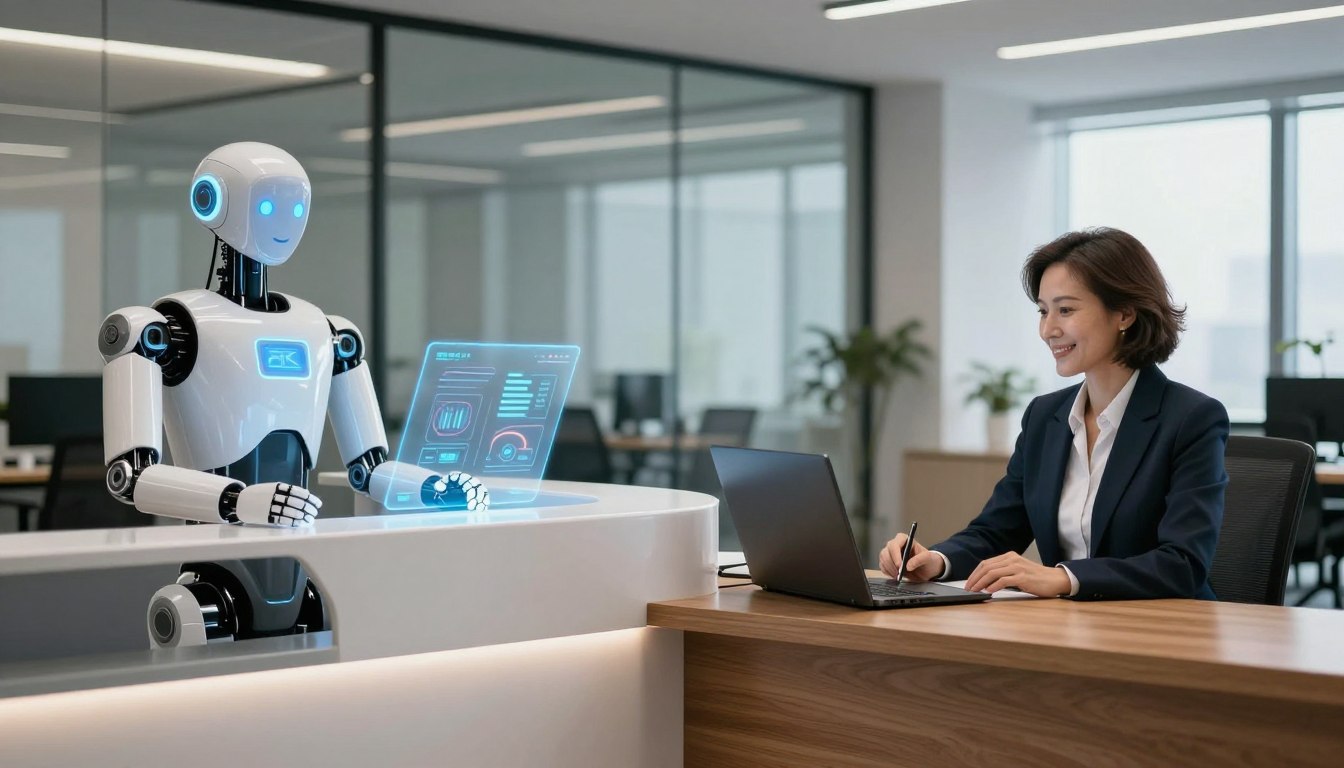

Choosing the right front-desk solution is key for any growing company. You need to weigh the efficiency of modern technology against the nuanced value of personal interaction. This debate between an ai receptionist and a human receptionist requires a close look at your needs.
Modern businesses face challenges in keeping up with high call volumes. By looking at your goals for client satisfaction, you can pick the best path for your success. Knowing the differences helps keep your team productive and your customers valued.
Key Takeaways
- Automated systems provide 24/7 availability and instant response times for routine inquiries.
- Human staff excel at handling complex emotional situations and building deep client relationships.
- Cost-efficiency is a major driver for companies adopting digital front-desk tools.
- Personalized service remains a key differentiator in highly competitive markets.
- Hybrid models often offer the best balance of speed and human empathy.
- Your choice should align with your brand identity and specific customer service expectations.
The Evolving Landscape of Front-Desk Operations
Businesses have changed how they manage their front office a lot in recent years. No longer do you need a physical place to welcome guests. Today, front desk management mixes old-school hospitality with new tech to reach people worldwide.
Shifting Expectations in Customer Service
Customers today want quick answers and smooth interactions, any time. The old 9-to-5 hours are seen as outdated. If you can’t answer fast, you might lose customers to those who are always available.
“The future of customer service is not just about being present; it is about being accessible exactly when the customer needs you, without friction or delay.”
This change means businesses must rethink how they start conversations with customers. People now value speed and accuracy more than anything. To stay ahead, you need systems that mix human touch with tech efficiency.
The Role of Technology in Modern Business Communication
Using the right business communication tools is key for growing companies. These tools help you manage tasks better and make sure every question gets answered. By using the latest front desk technology trends, you can keep your brand’s voice consistent online.
The table below shows how old systems are being replaced by new tech:
| Feature | Traditional Approach | Modern Approach |
|---|---|---|
| Availability | Business Hours Only | 24/7 Instant Access |
| Communication | Phone Calls Only | Omnichannel Integration |
| Data Handling | Manual Entry | Automated CRM Sync |
| Scalability | Limited by Staffing | Highly Scalable |
Investing in these tools keeps you ahead. It makes sure your front desk management stays strong, even when calls change. Using these business communication tools is crucial for success in today’s fast market.
Understanding the AI Receptionist
Today, businesses are using advanced digital tools to manage their front desks. With automated phone systems, every call gets answered right away, no matter the time. This lets your team focus on important tasks while tech handles the basics.
How Conversational AI Works for Scheduling and Inquiries
Conversational AI understands what callers want by analyzing data. It spots keywords for appointments or questions and answers them quickly. This means no need for a person to handle simple tasks.
These systems talk like humans, making your clients feel like they’re speaking to a real person. By using virtual assistant services, you offer a consistent experience 24/7. The AI gets better at answering different questions over time.
Key Capabilities of Modern Virtual Assistants
Today’s virtual assistants do more than just answer calls. They manage calendars, send reminders, and even check if a lead is good before passing it on. They’re always there to help, like a reliable team member.
Natural Language Processing and Voice Recognition
The heart of this tech is AI voice technology. It uses advanced natural language processing to get what’s said and how it’s said. This means callers can talk naturally, making them happier and more satisfied.
Integration with CRM and Calendar Systems
Having a good CRM integration for business is key. When an AI sets up a meeting, it updates your calendar and CRM. This keeps your team up to date without needing to enter data manually.
| Feature | Traditional System | AI Receptionist |
|---|---|---|
| Availability | Business Hours Only | 24/7 Constant |
| Data Entry | Manual | Automated |
| Scalability | Limited by Staff | High Capacity |
| Response Time | Variable | Instant |
The Value of a Human Receptionist
A front-desk professional does more than just answer phones and set up meetings. While digital tools are fast, they can’t match the nuanced understanding needed to truly connect with clients. By using human receptionist benefits, your business can offer a service that builds real trust from the start.
The Importance of Emotional Intelligence and Empathy
Emotional intelligence is key to great customer experience optimization. A human can pick up on a caller’s frustration and adjust their tone to calm them down. This skill ensures clients feel valued, not just processed.
Empathy lets a receptionist offer comfort in tough times, crucial in healthcare or legal services. Unlike machines, humans offer authentic connection. This makes a simple inquiry into a positive experience for your brand.
Handling Complex Situations and Nuanced Requests
Not every client request fits into a simple category. A human receptionist can handle complex or sensitive situations with ease. They have the critical thinking skills to solve problems that automated systems can’t.
Building Long-Term Client Relationships
Consistency in service is key to keeping clients loyal. When a client talks to the same friendly, knowledgeable person, they feel a connection to your brand. This personal rapport leads to repeat business and turns one-time visitors into loyal supporters.
Managing Office Logistics Beyond the Phone
Human staff also excel in office administrative support. They handle more than just calls; they manage deliveries, welcome visitors, and keep your workspace organized. These tasks require adaptability that software can’t match.
| Feature | Human Receptionist | AI Assistant |
|---|---|---|
| Emotional Intelligence | High | None |
| Complex Problem Solving | High | Limited |
| Availability | Scheduled | 24/7 |
| Logistics Management | Comprehensive | None |
Direct Comparison: AI Receptionist vs Receptionist
When looking at call handling solutions, the choice between an ai receptionist vs receptionist depends on your business needs. Each option has its own benefits that can shape your daily work and future growth. It’s key to understand these differences to make a choice that fits your company’s culture.
Cost-Efficiency and Scalability Analysis
An receptionist cost analysis shows AI is cheaper for small businesses. It saves on salaries, benefits, and training. This makes it easier to grow as your call volume changes.
On the other hand, hiring a human receptionist shows your brand’s personality. It costs more but offers a personal touch. You need to consider your budget and growth plans.
Availability and Response Time Metrics
AI systems work all the time, giving instant answers to every caller. This is great for businesses worldwide or those with urgent needs. It ensures no one waits for help.
“Automation is not about replacing the human touch; it is about ensuring that no customer is left waiting in the silence of an unanswered phone line.”
But, human receptionists offer empathy and personal service. They’re unmatched in handling complex situations during work hours. Think about what your clients value most.
Accuracy and Consistency in Information Delivery
AI tools are perfect for consistent, error-free info. They always give the same accurate data. This builds trust and keeps your image professional.
Human staff, however, can understand context and tone. They adapt to the caller’s mood, offering a personal touch. The table below compares these key points to help you choose.
| Metric | AI Receptionist | Human Receptionist |
|---|---|---|
| Availability | 24/7 Constant | Business Hours |
| Cost Structure | Low/Predictable | High/Variable |
| Consistency | High/Uniform | Variable/Personal |
| Empathy | Limited | High/Natural |
Analyzing the Pros and Cons of AI Solutions
Adding automated systems to your front desk has its ups and downs. Technology can make your day easier, but think about how it fits into your business plan.
Benefits of Automation for Small Businesses
Many entrepreneurs want to boost small business efficiency with new tools. Using virtual assistant services means you can answer every question fast, no matter the time.
- Consistent handling of routine scheduling tasks.
- Significant reduction in overhead costs compared to full-time staff.
- Instant response times that keep potential clients engaged.
Potential Drawbacks and Technical Limitations
Customer service automation isn’t perfect for every situation. Sometimes, technical problems can mess up communication, leading to lost chances.
Also, relying too much on AI voice technology might not work for complex or urgent needs. Make sure your system can pass on tough cases to a real person.
The Risk of Frustrating Customers with Rigid Scripts
One big risk of automation is using too many set, robotic answers. If customers feel like they’re talking to a machine, they might get unhappy.
To keep customers happy, use flexible conversational flows. Give your system a wide range of natural language options to keep the conversation friendly and professional.
Security and Data Privacy Considerations
Keeping client info safe is crucial for any business today. When you use customer service automation, make sure your provider keeps data secure.
Always check how your data is stored and encrypted. This ensures you meet industry standards. Using secure AI voice technology makes clients feel safe sharing their info.
Evaluating the Human Touch in Professional Settings
Automation brings speed, but some interactions need a human touch. Deciding between AI vs human staff goes beyond software features. It’s about understanding your client’s emotional needs.

When Human Interaction is Non-Negotiable
In fields like law, healthcare, or luxury real estate, clients face high stress. Here, empathy is essential, not just a plus. A person can pick up on subtle cues of distress, adjusting their approach to comfort.
The main human receptionist benefits include understanding unspoken messages. When a client is confused or upset, a human can offer reassurance. This builds loyalty, something automated systems struggle to do.
The Impact of Staff Turnover and Training Costs
Managing a front-desk team comes with big financial costs. A detailed receptionist cost analysis must include more than just wages. Recruitment, onboarding, and training are big investments.
High turnover rates can mess up your operations and service quality. You need to weigh the cost of hiring and training against the value of a dedicated professional. Investing in your staff can lead to better retention and stable front-office performance.
Maintaining Brand Voice and Culture
Your receptionist is often the first person new leads meet. They are your brand’s ambassador, showing your values and standards. A well-trained human can adapt to your culture in ways software can’t.
Consistent communication means every caller gets a great experience. A strong internal culture lets your team represent your business confidently. This human element is key for companies that value personal relationships and client trust.
Industry-Specific Suitability
Choosing the right front desk management strategy is key. It depends on your industry’s needs. Some need fast automation, while others need a personal touch to build trust and follow rules. Knowing this helps your business grow.
Healthcare and Medical Practice Requirements
In healthcare, keeping patient info private and showing empathy is crucial. You need call handling solutions that follow HIPAA rules. Patients call when they’re most vulnerable, so a caring human or a top-notch AI is vital for sorting out their needs.
Legal and Professional Services Needs
Legal firms handle serious cases that need careful handling and judgment. Using professional answering services lets lawyers focus on their work. Human interaction is key here, as clients seek empathy and privacy that only a trained person can offer.
“The quality of your initial client contact often dictates the trajectory of the entire professional relationship.”
Retail and Hospitality Front-Desk Demands
Retail and hospitality focus on being quick, easy to reach, and always open. They use office administrative support like automated scheduling to handle lots of calls fast. Customers in these fields want quick answers, making automated systems great for tasks like booking or checking orders.
| Industry | Primary Need | Recommended Focus |
|---|---|---|
| Healthcare | Compliance & Empathy | Secure Human/AI Hybrid |
| Legal | Discretion & Nuance | Human-Led Support |
| Retail | Speed & Availability | Automated Scheduling |
Hybrid Models: Combining AI and Human Staff
The best offices today use a mix of tech and human touch. This combo lets tech do the bulk of the work. Meanwhile, your team handles the personal stuff. This way, no one has to wait, day or night.
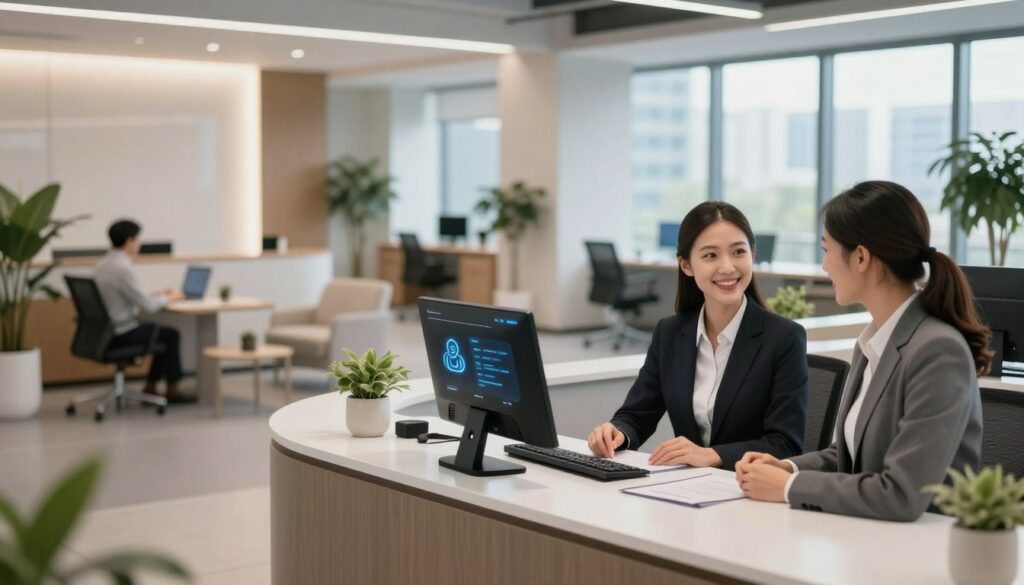
Using AI for After-Hours and Overflow Support
Automated phone systems keep your business open 24/7. They catch calls when you’re not there. This means you never miss a chance to connect with someone.
AI also helps during busy times. It answers calls when your team is swamped. This keeps wait times down and keeps customers happy.
Streamlining Workflows for Human Receptionists
Adding customer service automation to your day makes things easier for your front desk. It lets them focus on the tough stuff. This makes them more productive and happy.
Automating Routine Tasks to Free Up Human Time
Things like scheduling and checking hours are perfect for automation. This frees up your team to tackle harder tasks. It’s key for growing your business.
By automating the easy stuff, your team can give more personal service. They can build real connections instead of answering the same questions over and over. This mix of tech and human touch is what makes a great office.
Implementation Strategies for Your Business
Upgrading your communication setup is a big step for better small business efficiency. Moving to new systems needs a clear plan. This ensures your work keeps running smoothly and looks professional.
Assessing Your Current Call Volume and Complexity
Before getting new business communication tools, check your current work flow. Start by tracking your daily calls and what kinds of questions you get.
If your team is stuck on the same tasks, like setting up appointments, think about automation. Knowing these patterns helps you pick the right tech to fix problems, not make them worse.
Setting Up AI Tools for Seamless Integration
Getting your new software to work with your old systems is key. Focus on CRM integration for business to keep all interactions in one place for your team.
“The most successful technology implementations are those that prioritize user experience and data connectivity over simple automation.”
Linking your AI tools with your customer database gives your team quick access to client info. This makes your work more efficient and cuts down on mistakes from typing wrong data.
Training Your Team to Work Alongside Technology
Getting the latest front desk technology trends is just the start. Your team needs to be sure they can use these new tools. Offer detailed training that shows how tech helps, not replaces, human skills.
Teach your team to see AI as a helper for routine tasks. This lets them focus on important client relationships. Consistent feedback in the first few weeks helps improve and fix any tech issues fast.
| Phase | Primary Goal | Key Action |
|---|---|---|
| Assessment | Identify Gaps | Analyze call logs |
| Integration | Connect Systems | Sync CRM data |
| Training | Empower Staff | Conduct workshops |
| Optimization | Refine Workflow | Review performance |
Measuring Success and ROI
You can’t improve what you don’t measure, especially in communication. Having a clear way to evaluate helps see how your front-desk strategy affects your profits. By using objective data, you can make smart choices that help your business grow.
Key Performance Indicators to Track
To understand your operational efficiency, track specific metrics regularly. These numbers show if your current setup helps or hinders your daily tasks. Here are some essential performance indicators to watch:
- Average Speed of Answer: How fast your team or system answers calls.
- Call Abandonment Rate: The percentage of callers who hang up before talking to a rep.
- First-Call Resolution: How often inquiries are solved without needing a follow-up.
- Cost Per Interaction: The total cost divided by the number of calls handled.
Professional answering services often offer detailed analytics dashboards. These make tracking easier. Reviewing these reports helps find areas where your team needs more support or where automation can help.
Gathering Client Feedback on Communication Channels
Quantitative data only tells half the story. To truly optimize customer experience, listen to your daily customers. Their feedback gives context to your performance metrics.
| Feedback Method | Best For | Frequency |
|---|---|---|
| Post-Call Surveys | Immediate satisfaction | After every interaction |
| Email Follow-ups | Detailed insights | Weekly |
| Client Interviews | Strategic improvements | Quarterly |
Analyze this feedback for common themes on wait times or information clarity. If clients often say it’s hard to reach a human, it’s time to adjust your model. Mixing these qualitative insights with your business ROI metrics ensures your investment in reception technology meets your goals.
Conclusion
Finding the right mix of automated systems and human staff is key for your future. You need to consider your industry’s needs and your growth goals. This will help you choose the best approach.
Focus on business ROI metrics to see where your money works best. Whether you go for automation or a personal touch, making decisions based on data keeps things efficient. This way, you can cut costs and boost performance.
Hybrid office staffing is a smart choice for many businesses. It uses tech for simple tasks and keeps experts for important talks. This way, you get speed from software and the care that people offer.
Look at your current workflows and find areas for improvement. Working to make your communication better will please your clients and grow your profits. Begin your changes now to stay ahead in today’s fast market.
FAQ
How does conversational AI compare to a human receptionist regarding emotional intelligence?
A: Natural Language Processing (NLP) tools, like OpenAI’s GPT-4, can mimic polite talk. But they don’t truly understand emotions or empathy. A human receptionist can pick up on subtle cues and frustration. This lets them offer personalized comfort in tough situations, which is key for keeping long-term client relationships.
Can an AI receptionist integrate with my existing business software?
Yes, most Virtual Assistants and AI systems work well with CRM platforms like Salesforce and HubSpot. They can also connect with Google Calendar or Calendly for scheduling and inquiries. This means your team doesn’t have to manually enter data.
What are the primary cost-efficiency benefits of choosing an automated system?
AI solutions are scalable and cost less than hiring people. You save on payroll taxes, healthcare, and staff turnover costs. Plus, AI works 24/7, so you never miss a lead. This boosts your Return on Investment (ROI).
Is an AI receptionist secure enough to handle sensitive client data?
A: Data privacy and security are top priorities with automation. Quality AI providers meet SOC2 compliance and GDPR standards. For healthcare, the system must be HIPAA-compliant to protect patient info and meet regulatory demands.
How does a hybrid model improve office workflow?
A hybrid model mixes AI’s efficiency with human touch. AI handles overflow traffic and simple FAQs. This frees up your human receptionist for office logistics, face-to-face interactions, and complex requests that need professional image and critical thinking.
What industries benefit most from human-led front-desk operations?
Fields needing discretion and trust, like legal services (e.g., Baker McKenzie) or luxury hospitality (e.g., The Ritz-Carlton), value human receptionists. These roles require a consistent brand voice and handling of complex situations that scripts can’t solve.
Which Key Performance Indicators (KPIs) should I track to measure success?
Track average response time, call abandonment rates, and accuracy in information delivery. Also, use tools like SurveyMonkey or Zendesk for client feedback. This helps see if your communication meets your audience’s shifting expectations.
How difficult is it to transition from a human receptionist to an AI-driven system?
Switching over needs a good implementation strategy. Start by assessing your current call volume and training your team to use digital tools like RingCentral or Microsoft Teams. Automate routine tasks first for a smooth transition that boosts productivity without upsetting your clients.